Vexleynira
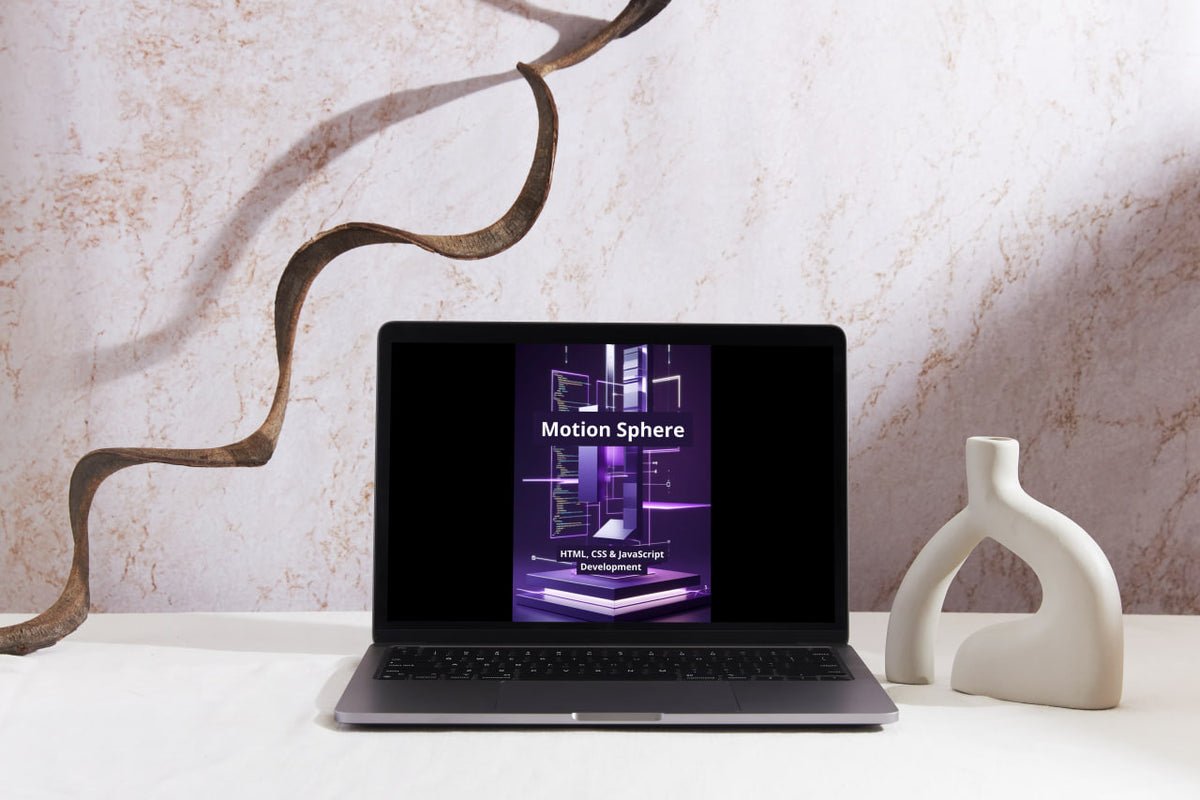
Motion Sphere
Motion Sphere
Couldn't load pickup availability
Share
- 📄 Digital file available after purchase
- ♾️ Long-term availability
- 🔐 Secure checkout
- 🗓️ Content updated in 2026
Self-paced learning overview
1. Problem Statement
Creating complex graphical interfaces requires an understanding of geometry, coordinate systems, animation loops, and methods for displaying graphical objects in browser environments. Standard CSS transitions are insufficient for many scenarios involving complex geometry, particles, dynamic compositions, and interactive visualizations. Working with Canvas and WebGL introduces additional challenges involving graphics resource management, computations, shaders, and frame synchronization. Without a systematic understanding of these mechanisms, it becomes difficult to organize a cohesive graphical scene that responds to user actions and environmental changes.
2. Solution
Motion Sphere combines modern web graphics technologies into one comprehensive learning program. You will learn to create vector compositions using SVG, draw two-dimensional scenes through Canvas API, and work with the WebGL rendering pipeline. Dedicated modules cover transformation matrices, shaders, particle systems, physics models, animation loops, and interactive event handling. In the final project, you will build a graphical web environment featuring animated objects, dynamic effects, interactive controls, and three-dimensional elements.
3. What's Inside
Module 1: Creative Coding and Visual Computation
Explore generative graphics, algorithmic drawing, and the creation of visual compositions through JavaScript.
Module 2: SVG Architecture and Coordinate Systems
Learn to work with viewBox, coordinate systems, element grouping, and vector graphics scaling.
Module 3: SVG Paths and Geometric Construction
Explore path commands, Bézier curves, geometric shapes, and methods for creating complex vector forms.
Module 4: SVG Gradients, Filters and Masks
Learn to create gradients, filters, masks, and layered visual compositions using SVG.
Module 5: SVG DOM and Dynamic Graphics
Study programmatic SVG element creation, attribute modification, and graphical object management through JavaScript.
Module 6: Canvas API and Rendering Fundamentals
Explore the Canvas 2D context, coordinate systems, canvas clearing, and fundamental graphical rendering principles.
Module 7: Canvas Paths and Advanced Drawing
Learn to create complex paths, curves, polygons, fills, and strokes using Canvas API.
Module 8: Canvas Transformations and Coordinate Mapping
Study translate(), rotate(), scale(), transform(), and the construction of local coordinate systems for graphical objects.
Module 9: Canvas Image Processing and Pixel Operations
Learn to work with images, ImageData, pixel arrays, and programmatic graphics processing algorithms.
Module 10: Canvas Compositing and Layer Management
Explore compositing modes, transparency, graphical layer composition, and object rendering order.
Module 11: Animation Loops and Frame Synchronization
Study requestAnimationFrame(), time intervals, delta time, and the organization of synchronized animation loops.
Module 12: Motion Mathematics and Easing Functions
Learn to use interpolation, trigonometric functions, easing curves, and mathematical models for controlling object movement.
Module 13: Particle Systems and Procedural Effects
Explore particle systems, random parameter generation, movement trajectories, and procedural graphical effects.
Module 14: Physics-Based Animation and Collision Detection
Study velocity, acceleration, momentum, elasticity, collision detection, and mathematical modeling of object interactions.
Module 15: Pointer Interaction and Input Mapping
Learn to process pointer coordinates, gestures, and clicks while converting user input into graphical scene controls.
Module 16: WebGL Rendering Pipeline
Explore WebGL principles, the graphics pipeline, vertices, primitives, buffers, and the sequence involved in generating graphical frames.
Module 17: Vertex and Fragment Shaders with GLSL ES
Learn to create vertex and fragment shaders, work with attributes and uniform variables, and calculate pixel colors.
Module 18: WebGL Buffers, Textures and Matrices
Study Vertex Buffer Objects, textures, model, view, and projection matrices, and their application in graphical scene construction.
Module 19: Three-Dimensional Geometry and Camera Systems
Learn to create three-dimensional geometric objects, work with spatial coordinates and perspective, and configure camera positioning.
Module 20: Lighting, Materials and Surface Rendering
Explore lighting models, surface normals, diffuse and specular reflection, and material properties for three-dimensional objects.
Module 21: Responsive Graphics and Rendering Performance
Learn to adapt graphical scenes to screen dimensions, manage pixel density, and organize graphics resource usage.
Module 22: Web Graphics Testing and Debugging
Study graphical calculation verification, shader error analysis, animation loop diagnostics, and graphical scene rendering checks.
Module 23: Applied Studio — Motion Sphere Interactive Universe
Create an interactive graphical scene featuring vector shapes, Canvas animations, a particle system, three-dimensional objects, lighting, and user event controls.
4. Who Is This For?
A suitable choice if you:
✅ Have substantial knowledge of HTML, CSS, and JavaScript.
✅ Have already worked with complex web interfaces and interactive components.
✅ Want to explore graphics creation through SVG, Canvas, and WebGL.
✅ Are interested in mathematical motion models, geometry, and animation systems.
✅ Want to create three-dimensional scenes and programmatic graphical effects.
✅ Want to work with shaders, textures, lighting, and graphical objects.
✅ Plan to expand your knowledge of interactive web graphics and Creative Coding.
This course may not suit you if you:
❌ Are not yet familiar with JavaScript fundamentals and DOM manipulation.
❌ Have no experience working with HTML and CSS.
❌ Are looking for an introductory course covering basic webpage creation.
❌ Expect server-side development, database, or server administration training.
5. What You'll Learn
After studying Motion Sphere, you will be able to:
-
Create generative graphical compositions using JavaScript.
-
Build vector images and complex SVG paths.
-
Use SVG filters, gradients, and masks.
-
Create graphical scenes through Canvas API.
-
Work with geometric transformations and coordinate systems.
-
Process images at the individual pixel level.
-
Manage graphical layers and compositing modes.
-
Organize animation loops through requestAnimationFrame().
-
Use interpolation and mathematical functions to model movement.
-
Create particle systems and procedural effects.
-
Implement physics-based motion models and collision detection.
-
Handle user interaction with graphical objects.
-
Understand WebGL rendering pipeline architecture.
-
Create vertex and fragment shaders using GLSL ES.
-
Work with graphical buffers and textures.
-
Use matrices for three-dimensional transformations.
-
Create 3D geometric models and configure cameras.
-
Implement lighting and surface materials.
-
Adapt graphical scenes to different screen dimensions.
-
Analyze graphical operation performance.
-
Examine shaders, animations, and graphical calculations.
-
Combine SVG, Canvas, and WebGL in one interactive project.
6. Refund Information
Before placing an order, please review the official Vexleynira Refund Policy. The document outlines refund terms, request submission procedures, and the rules for reviewing related inquiries.
How are the learning materials organized?
How are the learning materials organized?
Each course is divided into themed modules containing technical explanations, code examples, and practical exercises. This structure helps learners examine individual concepts and understand how they relate to one another.
Do I need previous knowledge to study the courses?
Do I need previous knowledge to study the courses?
Not necessarily. The collection includes learning materials for beginners as well as courses covering extended HTML, CSS, and JavaScript topics. The recommended study level is stated in each course description.